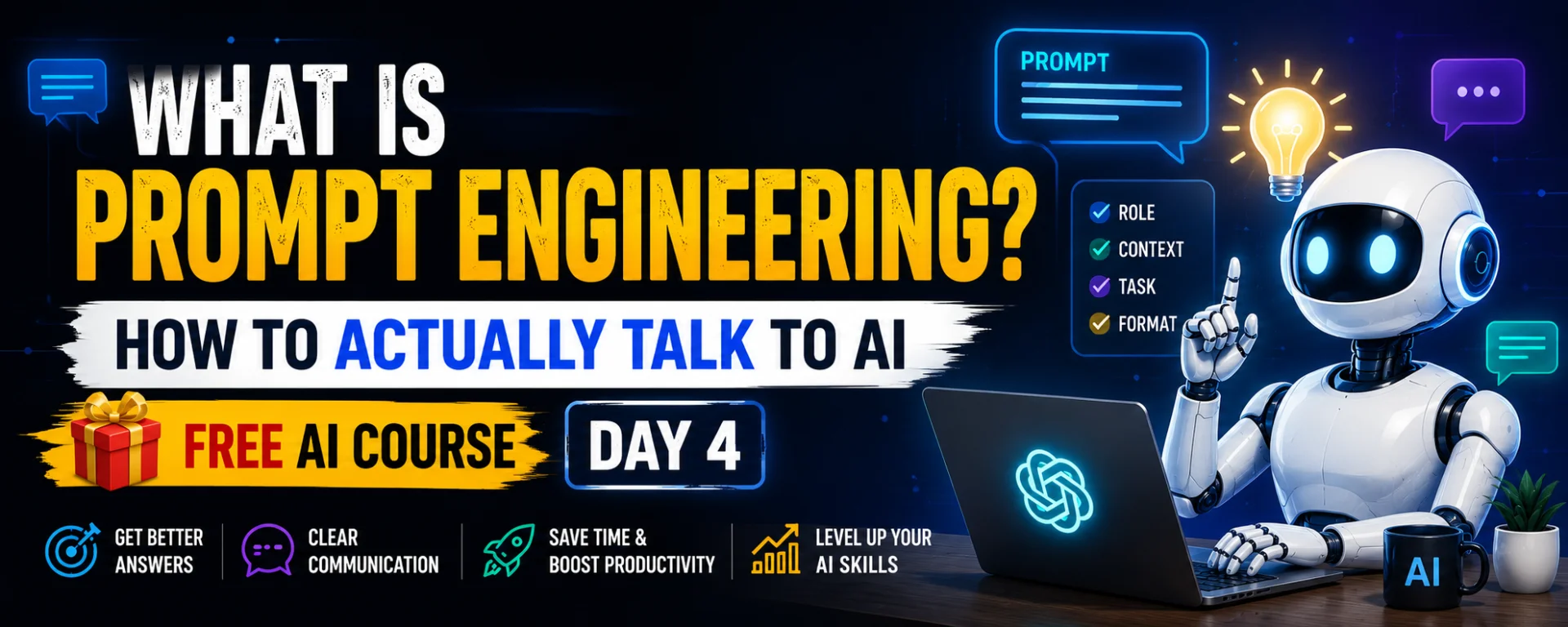
In the beginning I would write just one line on ChatGPT, like “explain this,” and get irritated by the answer, because it felt flat and the same every time. It took me a long time to realize the problem was not the tool, it was the line I wrote. This post has the things I should have known earlier: what a prompt is, how to give a role and details, and how to improve the first answer.
What a prompt and prompt engineering mean
Whatever you write to get work done by AI is a prompt. “Write this,” “explain this,” “fix this” are all prompts. If you have ever typed something into ChatGPT or Gemini, you have already written a prompt.
Prompt engineering means making that writing deliberately clear and useful, so that you get an answer worth reading. The name sounds heavy, but it needs no coding or technical degree. It is a writing habit, like speaking clearly when explaining a task to a person.
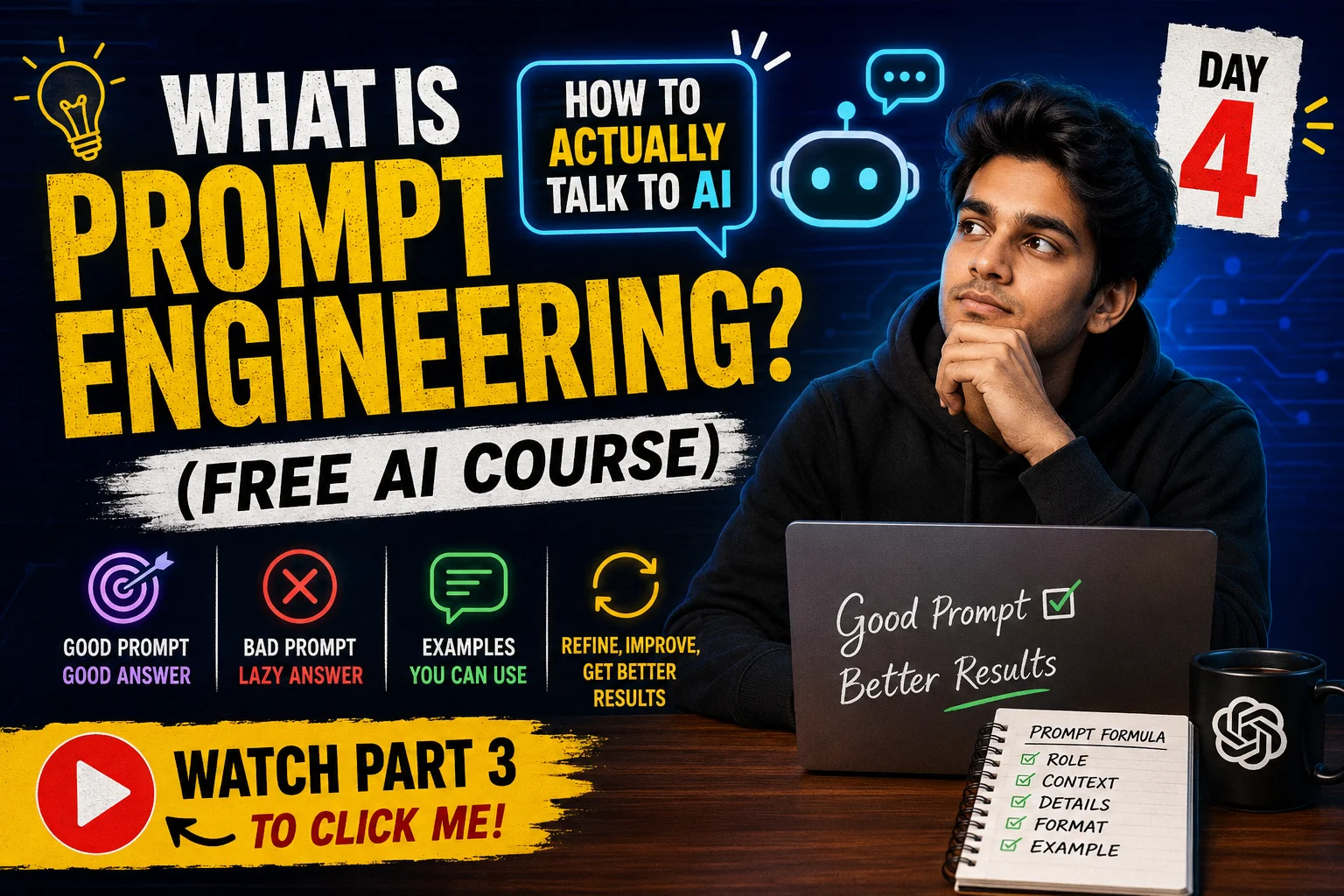
The rule is simple: a good prompt gets a good answer. A lazy prompt gets a lazy answer. We already explained what an LLM is in the previous post, and that same understanding helps here. The model picks the next word based on the words you wrote, so the clearer your words are, the better its estimate will be.
Good and bad prompt: where the real difference is
Let’s look at one example. There is a child at home who needs to understand photosynthesis for school. You write “explain photosynthesis” in AI. An answer will certainly come, but it will be either too basic or too technical. The child will read two lines and close it.
I ran this same test on my nephew, who is in 6th class and does not like science homework. With the plain prompt, he read two or three sentences and left it. Then I wrote the same question again with a role and context, and this time he read the whole answer and understood it too. I was a little surprised myself.
Two things are working behind this difference, and both are explained separately below.
First thing: give AI a role
We do this in real life every day. We do not ask a math teacher a biology question, we look for someone who knows. Do the same with AI: before the question, tell it who to be while answering. “As a science teacher,” “as a career counselor,” “as an interview coach.”
When you give a role, the style of the answer, the level of the words and what to include all shape themselves around that role. In my view, giving a role is the cheapest and most effective habit in prompting, because it costs only four or five words.
Second thing: give the whole picture
Giving only the topic is not enough. AI also needs to know how simple the answer should be, how long, in what tone, and whether you want an example. Whatever you are thinking in your head but do not write, AI does not know.
The photosynthesis prompt can be built like this:
Act as a science teacher. Explain photosynthesis in very simple words, like you’re teaching a 10-year-old. Short sentences, one real-life example.
It has a role (science teacher), the age of the listener (a 10-year-old), the level of language (simple words, short sentences) and one thing clearly asked for (a real-life example). That is why this answer gets read. The order is the same every time: role first, then details.
Before and after examples
The same difference shows up in other kinds of work.
Take story writing. A lot of children get a homework like “write a story about a robot” at school, so you can try this one at home right away. The weak version is “Write a story about a robot.” A better version is this:
Act as a professional story writer. Write a short, funny story about a school boy who finds a talking robot in his classroom. Keep it easy to read for students.
For career advice, “Tell me about careers” gives nothing you can act on. But “Act as a career counselor. Explain 5 career options for Indian students after class 12. Simple language, one or two lines each” gives a list with a clear shape.
For learning Excel, “How to learn Excel” gives only a vague overview. If you write “Act as a computer skills trainer. Give me a simple 7-day plan to learn Excel as a complete beginner,” you get a day-by-day plan that you can start working from.
For an interview, a friend of mine used almost these same words before a sales interview:
You are an HR interview coach. Give me 5 common interview questions for a sales executive role, with simple sample answers that sound confident.
If he had just written “help me for interview,” the answer would have fit almost any job. Writing the job name and how many questions he wanted made the answer useful for that one job.
Why one prompt is not enough
Many people believe you write one prompt and get a complete, perfect answer. Sometimes that does happen, but often the first answer is just okay, and the real work starts from there.
Understand it through a Diwali rangoli. You must have seen your mother or grandmother make one. First a light outline is drawn, and that is your first prompt, just the shape of what you want. Then you add or fix something and fill in colors, and it starts looking better. After that come the small finishing touches that make it look complete. It works the same way with AI.
Part of this connects to my own weakness. Earlier, if the answer was not good in one try, I would give up. Now I treat the first answer as a rough draft and then give small instructions: “make it shorter,” “add an example,” “explain it simpler.” They take very little time and the answer changes right away.
Sometimes the answer is right but you want it in Hindi or in bullet points. Then just write “write this in Hindi” or “put this in bullet points” below it. It is a two-second job. The aim is to keep improving the answer until it matches the picture in your head.
Common mistakes and their solutions
First mistake: writing only the topic. Solution: write it with a role and an age or level, like “explain it to a 10-year-old.”
Second mistake: giving up when the answer comes out long. Solution: add an instruction like “tell me in 5 lines” or “give only 3 points.”
Third mistake: stopping at one answer. Solution: improve it with follow-ups, and ask in the same conversation instead of starting a new chat, so AI keeps the context of what came before.
Fourth mistake: using what is written without checking it. The solution is in the limitations part below.
Privacy and limitations
Before writing anything in a prompt, remember it is not a diary. Do not put your Aadhaar, bank details, OTP, password or anyone else’s personal information into a prompt. Every tool has a different privacy policy, so look at the settings of whichever tool you use once.
A good prompt does not guarantee a good answer. An LLM in the end estimates the next word, so it can write wrong facts with confidence. Answers involving names, dates, figures, health, money or law must be checked against a trustworthy source. A prompt’s job is to make the answer useful for your work, and checking its truth is your responsibility.
My experience
When I started using ChatGPT, my prompts were one line each, and I felt the tool itself was weak. My mistake was that I blamed the tool instead of the prompt. After the test with my nephew, it was clear to me that the weakness in the answers came from my writing.
In my view, the biggest change came when I stopped treating the first answer as the final answer. This changed the way I use AI: earlier I opened it only now and then out of curiosity, and now I take its help in real work too. This is my own experience, and it need not be the same for everyone.
Who this is for and who it is not for
This post is for students and their parents who want help from AI with homework but get answers that are either too basic or too hard. It is also for people who want advice from AI about job interviews or careers, because the role and detail method works directly there. And it is for new users who opened a chatbot once or twice and gave up when they did not like the answer.
This post is not for people who want to build or train AI models themselves, because that is separate, deep technical work. It is also not for people looking for advanced features of a particular tool or a plan comparison, because that information keeps changing and has not been given here.
Disclaimer
This post is only for a beginner-level understanding. In matters of health, money or law, do not rely on AI’s answer alone, and do take advice from a knowledgeable person.