How to Create Photos and Videos for Your Brand Using AI
Welcome back guys! On Day 9 of our free AI course, today we're talking about something that can be a real game-changer for every small business owner — using AI to create promotional content for your brand.
Now you might be thinking, "Where would I even use this?" Well, there are tons of use-cases. You can upload it on your social media, or if you have a brand — a jewelry brand, a clothing brand, anything — you can promote it super easily. And the best part? You don't need to hire a model or set up a photoshoot for this. You just need two photos and two simple AI tools.
Tool Number 1: Google Gemini
For this, we'll use the same tool we've seen before — Google Gemini.
Example 1: Promoting a Jewelry Brand
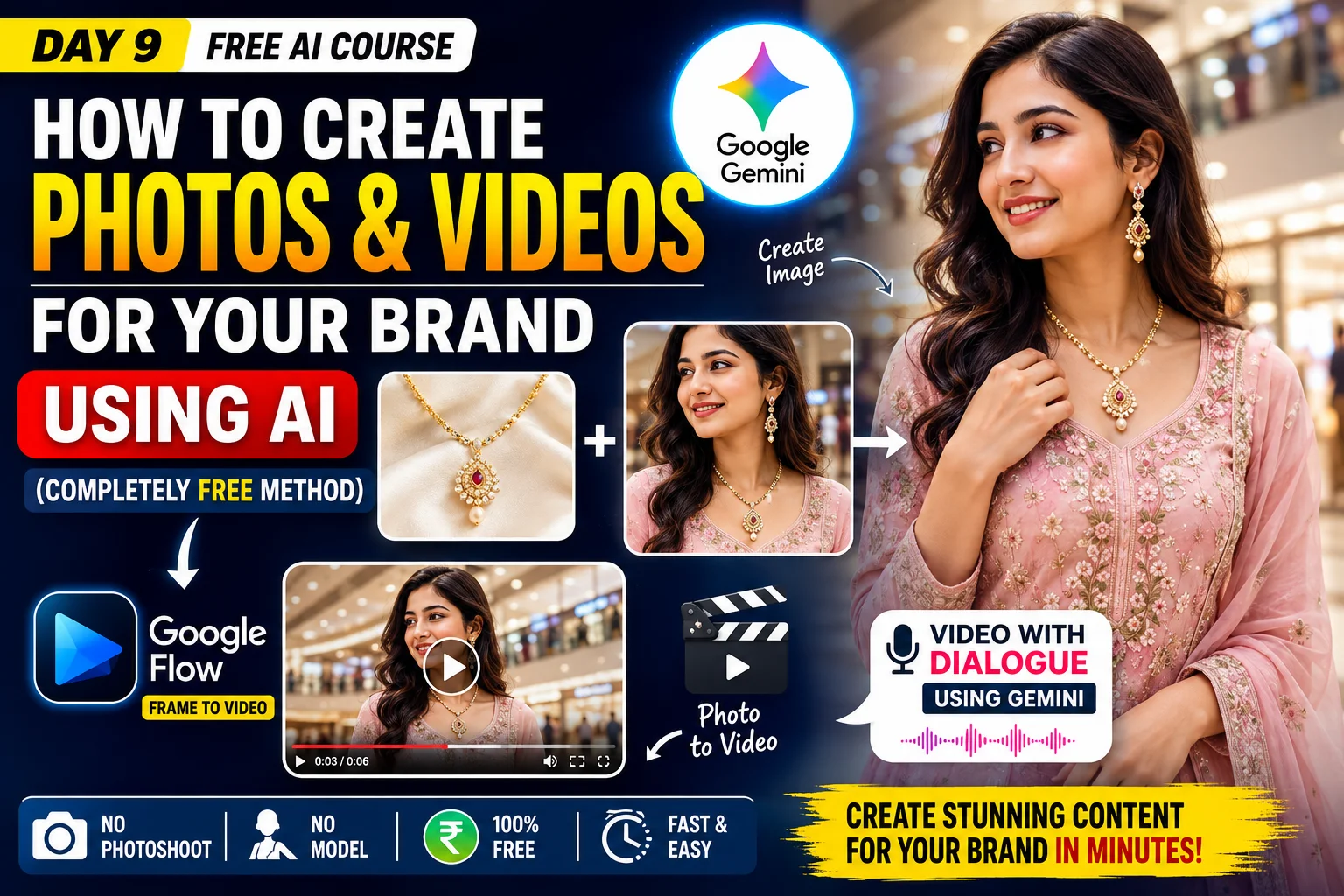
Let's say you have a jewelry brand and you want to create a photo for it. You just need two things:
- Click a clean photo of your jewelry piece.
- A photo of a girl — you can use your own photo, or if you want to generate a model's photo using AI, that works too.
Now open Gemini and click on "Create Image." Then click on the "+" button and select "Upload files." Select both photos together (holding Ctrl) and click Open.
Both photos will get uploaded — the girl's photo and the jewelry photo. Now notice, the girl isn't wearing the necklace yet. So we need to combine both photos to create a new image.
For this, just write a simple prompt:
"Make her wear the necklace in image 2."
Keep the "Thinking" model selected and click Submit. In just a few seconds, your photo is ready — and it looks completely real, as if she's actually wearing that necklace! Use the Download button at the top and select "Download full size" to save it.
Example 2: Promoting a Clothing Brand
The same method works if you have a clothing brand:
- Click a clean photo of your clothes — like laying a clean sheet on a bed and placing the clothes on top.
- A photo of a girl (your own or AI-generated).
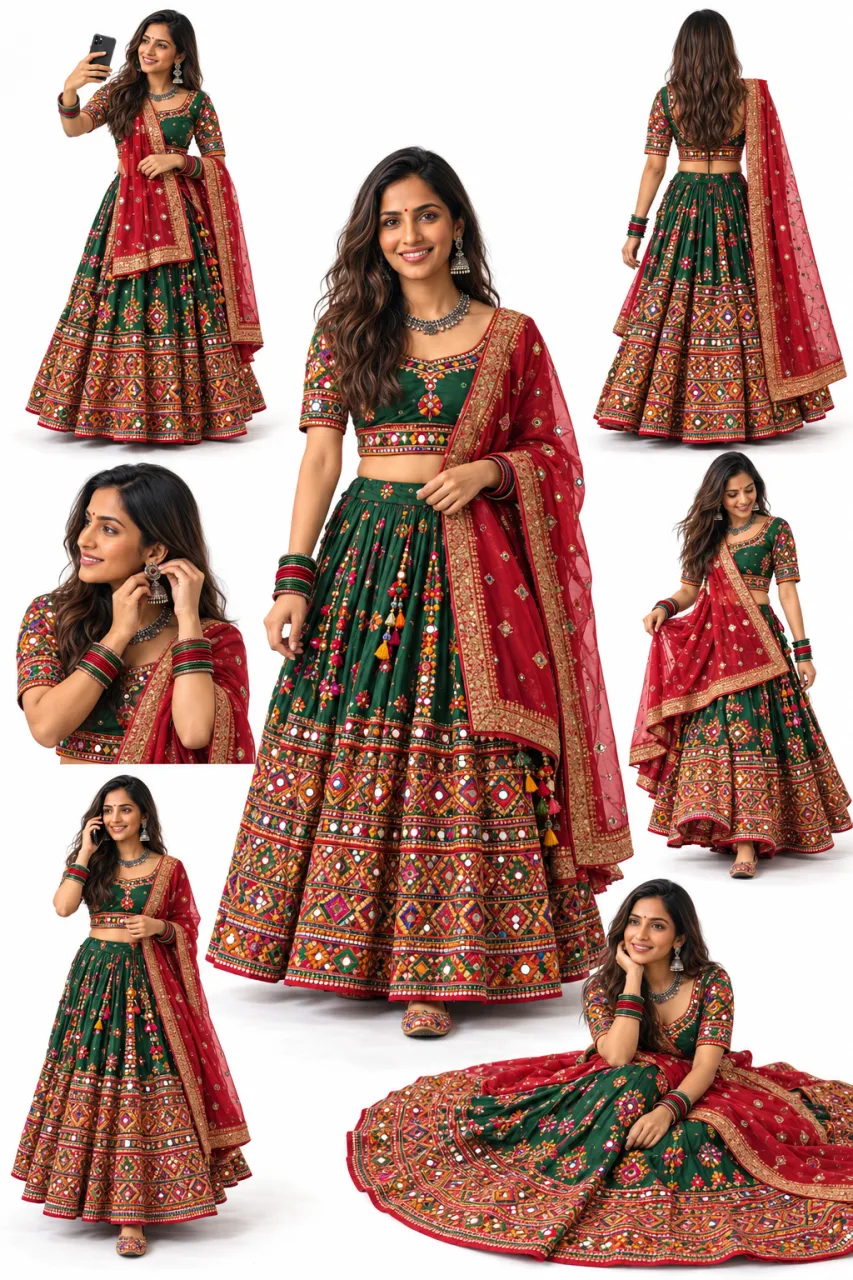
Go back into Gemini, click Create Image > Add files > Upload files, and upload both photos. Write this prompt:
"Make the girl wear the Punjabi suit in image 1 and she is wearing it in a shopping mall."
As soon as you submit, the photo is ready — the girl is wearing the suit and the background is a shopping mall too. Download this one as well.
Tool Number 2: Google Flow — Converting a Photo into a Video
Now it's time to convert these photos into videos, which is actually today's main topic. You can also create videos directly by typing text, but I find it much better to first create a photo and then convert it into a video — the results come out a lot more realistic that way.
To make the video, we'll use Google Flow, which is an AI video tool.
Steps:
- Google search "Google Flow" and open the first link (labs.google).
- Click on Create with Flow and log in with your ID.
- Click on New Project.
- You'll see a "Text to Video" option below — but since we want to convert a photo into a video, select "Frames to Video" instead.
- Use the "+" button to upload your jewelry photo, select portrait resolution, then crop and save.
- Now give a simple prompt: "She is shy and smiling."
- Click Generate.
Within a short while, the video is ready! The girl is smiling, giving a slightly shy expression — it looks completely natural. You can directly post this video on your social media if you have a jewelry brand. To download it, click the arrow/download icon above the video and save it in the original size.
Video With Dialogue — Using Google Gemini
So far, we made a video without any dialogue — just expressions. But if you want your video to include dialogue (like promoting your shop's name), that's also possible right within Gemini.
- Open a New Chat in Gemini and select Create a Video.
- Upload your clothing photo.
- Write a prompt like this:
"The lady is happily walking in the shopping mall. She says, 'I bought this new suit from Bittu Uncle's shop. He has a lot of new suits in stock. You should definitely visit Bittu Uncle's shop too.'"
Here, you can insert your own shop's name and directly promote your business!
As soon as you submit, processing begins, and within a few minutes, the video is ready — complete with dialogue, natural lip-sync, and expressions. It looks so real that you'd never guess it's AI-generated.
Recap
So basically, all you need is:
- A photo of your product/clothes/jewelry
- A photo of the girl/model you want to put that product on
- Combine both in Gemini to create one photo
- Convert that photo into a video using Google Flow or Gemini itself
That's it — it's really that easy! By combining two different tools — Google Gemini (for image editing and dialogue videos) and Google Flow (for frames-to-video) — you can create professional-looking promotional content for free, without needing a photoshoot or hiring a model.
If you found this blog helpful, make sure to share it with your friends who run small businesses too. See you tomorrow with the next chapter, for something new to learn!
If you found this blog helpful, make sure to share it with your friends who run small businesses too. See you tomorrow with the next chapter, for something new to learn!
How to Create Free AI Presentations - A Beginner's Course
Google NotebookLM Full Tutorial | Study Smarter with AI | AI Course Day 7