
Cinematic Double-Exposure Portrait | 9:16
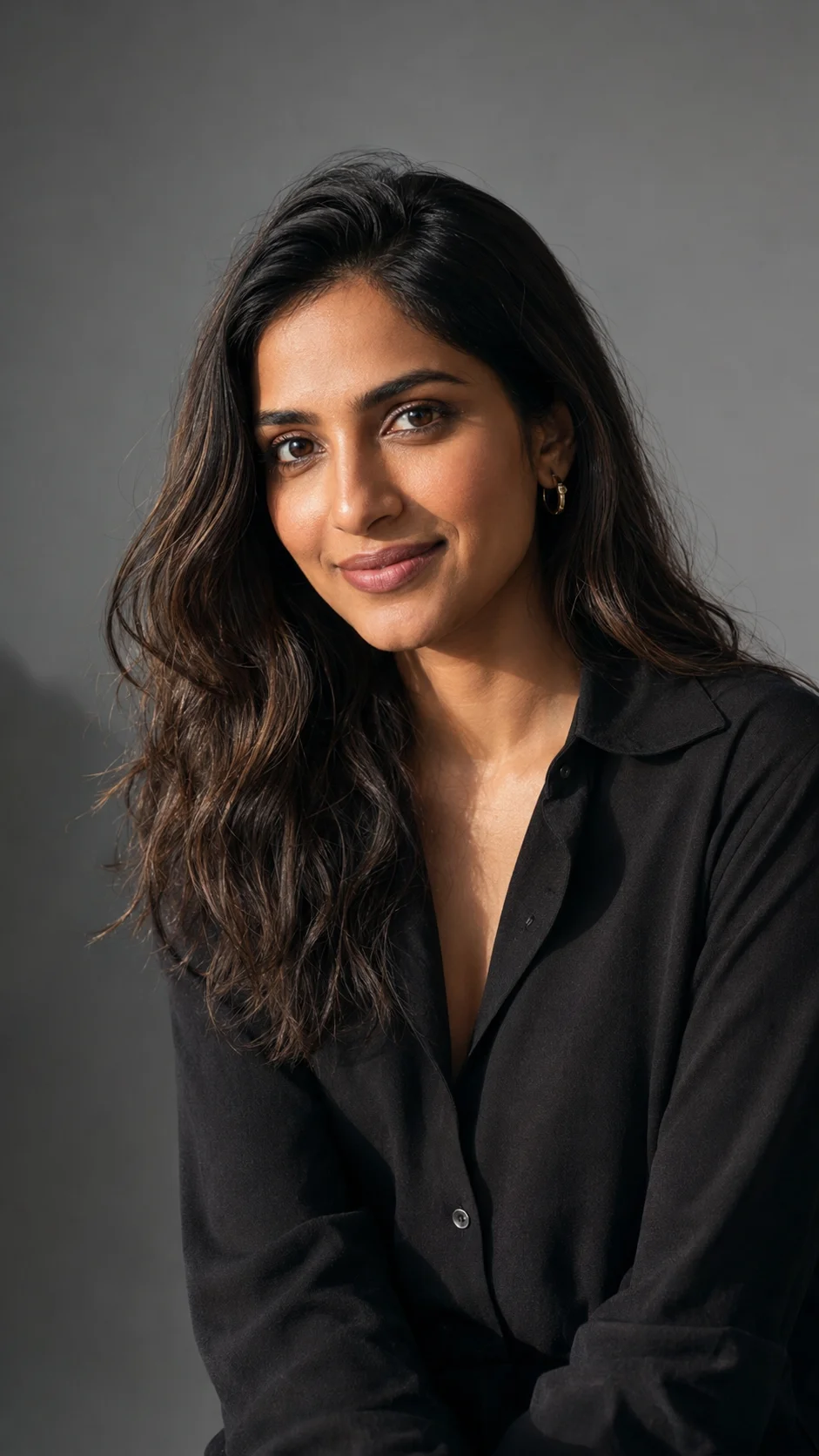
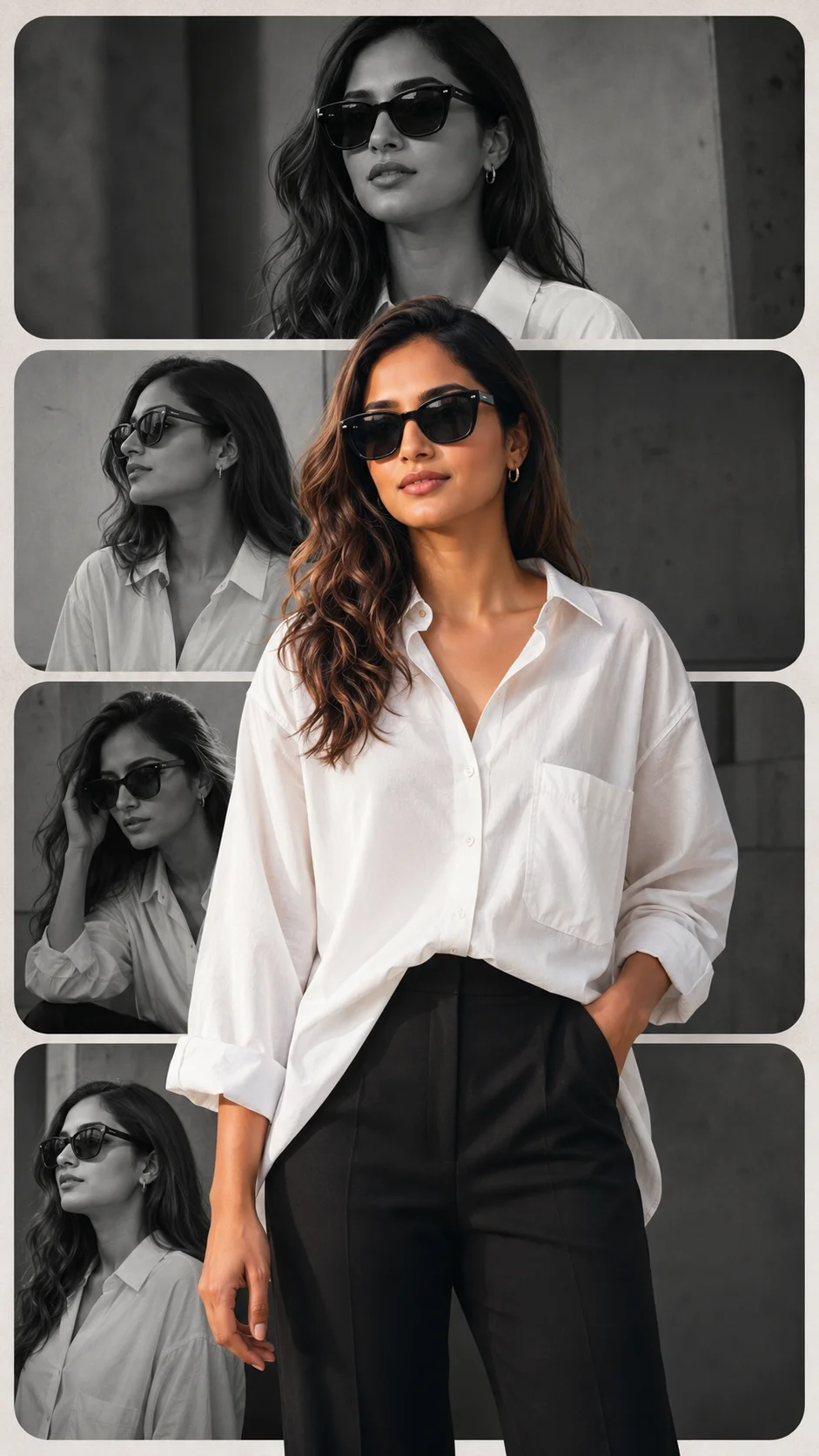
Create a **hyper-realistic, highly detailed studio composite portrait of the uploaded person**, preserving the **exact facial features, hairstyle, skin tone, body proportions, and identity** with maximum accuracy. Do not redesign, beautify, or alter the person's identity. Create a **double-exposure cinematic movie-poster composition**. **Foreground:** A sharp, full-body image of the uploaded person walking confidently toward the camera. He wears a **blue-and-black plaid hooded flannel shirt**, worn open over a **plain white crew-neck T-shirt**, **dark charcoal-grey cargo pants with distinct side pockets**, **bright red slip-on shoes with tiny yellow details**, a **thin silver chain necklace**, and **oversized thick white-framed rectangular sunglasses with dark lenses**. He is captured **mid-stride**, with one foot planted and the other lifted, arms relaxed naturally at his sides, creating a confident swagger. His expression is **joyful with a natural smile**. **Background Portrait:** Behind him, dominating the upper half of the composition, place a **massive semi-transparent portrait of the exact same person**, shown from the mid-chest up. He wears the **identical outfit and sunglasses**, with the same joyful expression, looking slightly off-camera. The edges of this giant portrait should fade seamlessly into the background using a **soft artistic brush-stroke effect**, creating a sophisticated cinematic double-exposure look. **Environment:** Solid medium-grey seamless studio backdrop. The polished floor beneath the foreground subject should show a **subtle, clean reflection of the red shoes**. **Lighting:** Soft, diffused professional studio lighting. Maintain crisp clothing and facial details on the foreground subject while giving the large background portrait a softer, ethereal glow. **Camera & Quality:** Subtle low-angle perspective for the foreground subject to emphasize his confident stance. Ultra-sharp focus, realistic skin texture, detailed clothing fabric, natural anatomy, cinematic color grading, photorealistic 8K-quality detail. **Aspect Ratio: 9:16 — vertical portrait.** **Negative Prompt:** Low quality, blurry, cartoon, anime, painting, CGI, overexposed, underexposed, distorted face, bad anatomy, extra fingers, duplicate body parts, watermark, logo, text, text errors, low resolution, noise, oversaturated colors, unrealistic skin, cropped face, out of frame, artifacts, deformed hands, poor lighting, inaccurate facial identity, inaccurate face match, warped clothing, unnatural pose.@Create image